Free
$0
A first look at your store.
Install free- 10 pages per scan
- Scan as often as you like
- Every finding with its WCAG criterion
- Accessibility score and bronze badge
- Shopper widget in its default look
AccessifyAI scans for WCAG 2.2 AA issues, shows what to fix first and guides you through the corrections.
Free plan: 10 pages per scan, no card.
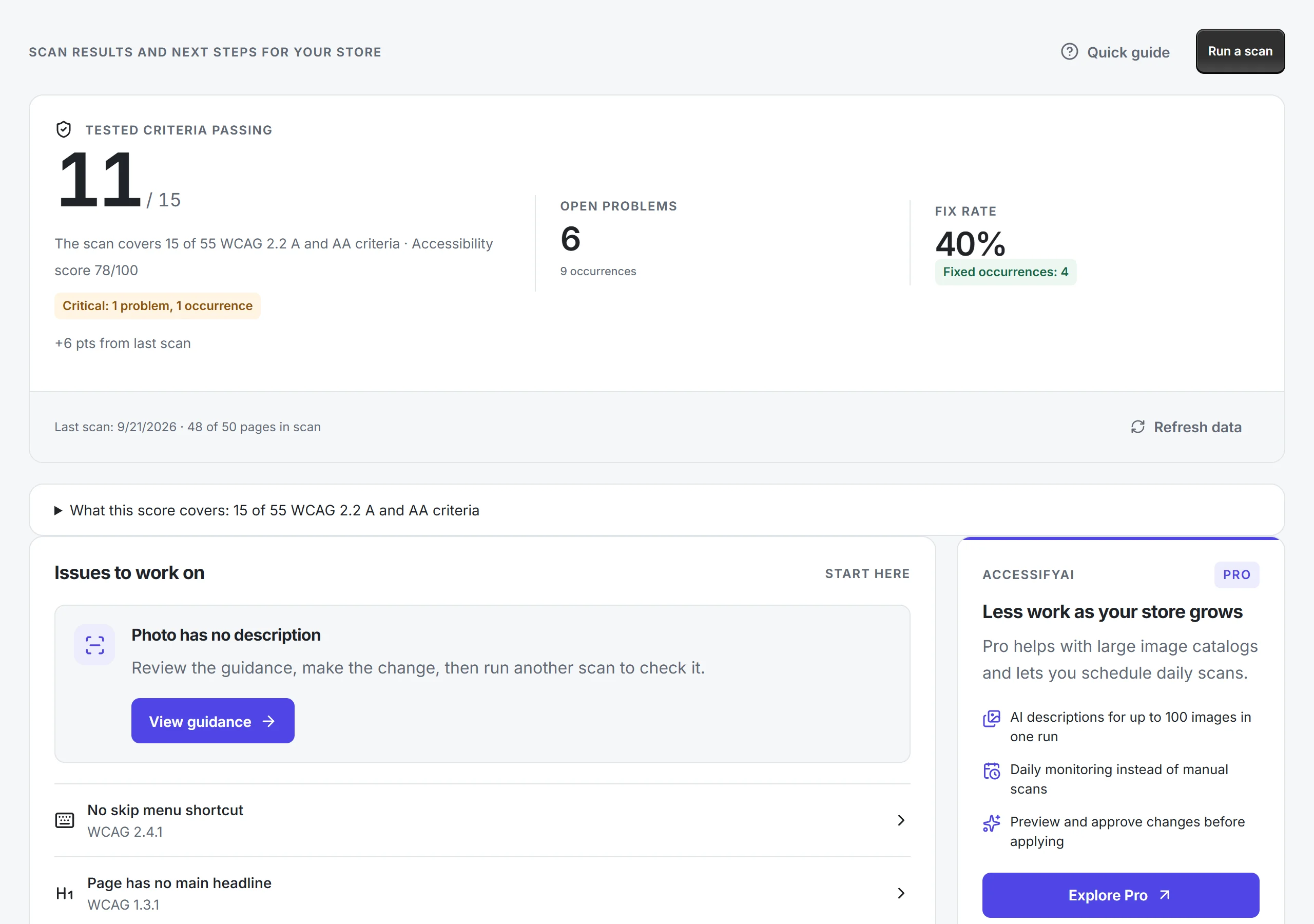
Each finding says what is wrong, who it affects and which WCAG criterion it breaks. For supported theme issues the app suggests a Liquid file, labels its confidence and links to the code editor. You make the change, so nothing in your theme moves without you.

The scan tests 15 of the 55 WCAG 2.2 A and AA success criteria, several of them only in part. The dashboard lists them next to the score, together with the checks that need a person.

Changed in September 2026 after feedback from accessibility practitioners.
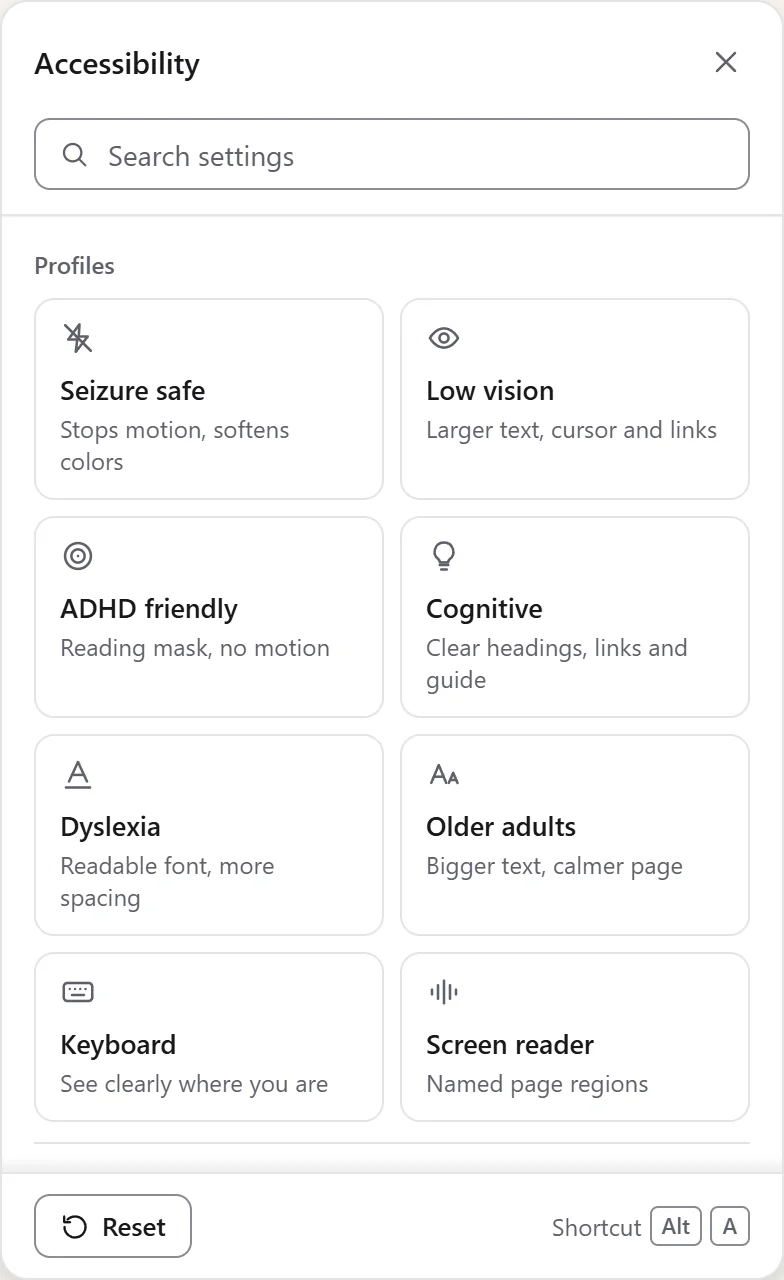
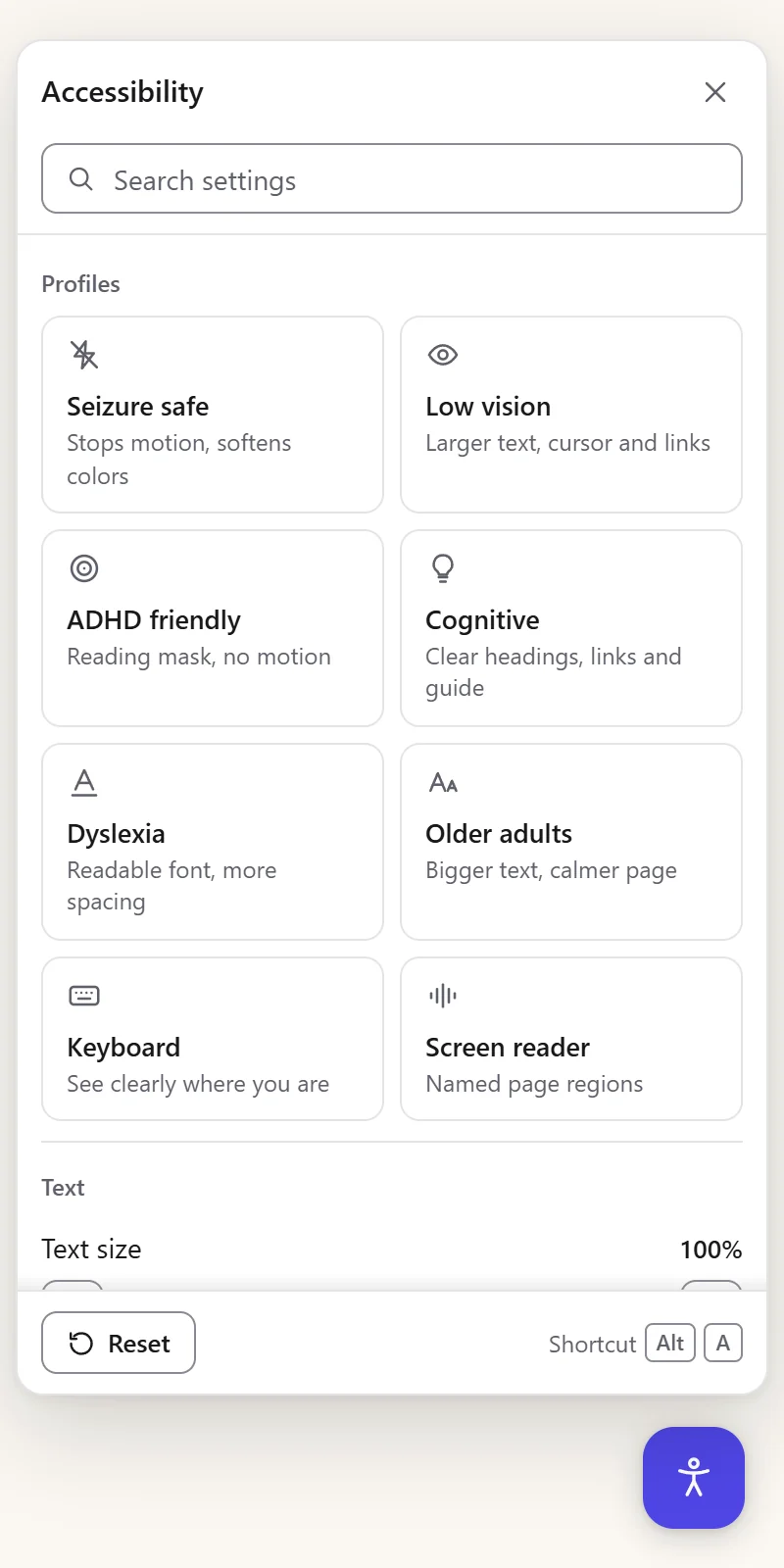
Eight profiles, contrast and colour modes, text size, a reading guide, a text magnifier and keyboard navigation, right on your storefront. It helps visitors while you work through the issues. It does not change your theme code, so the fixes still matter.
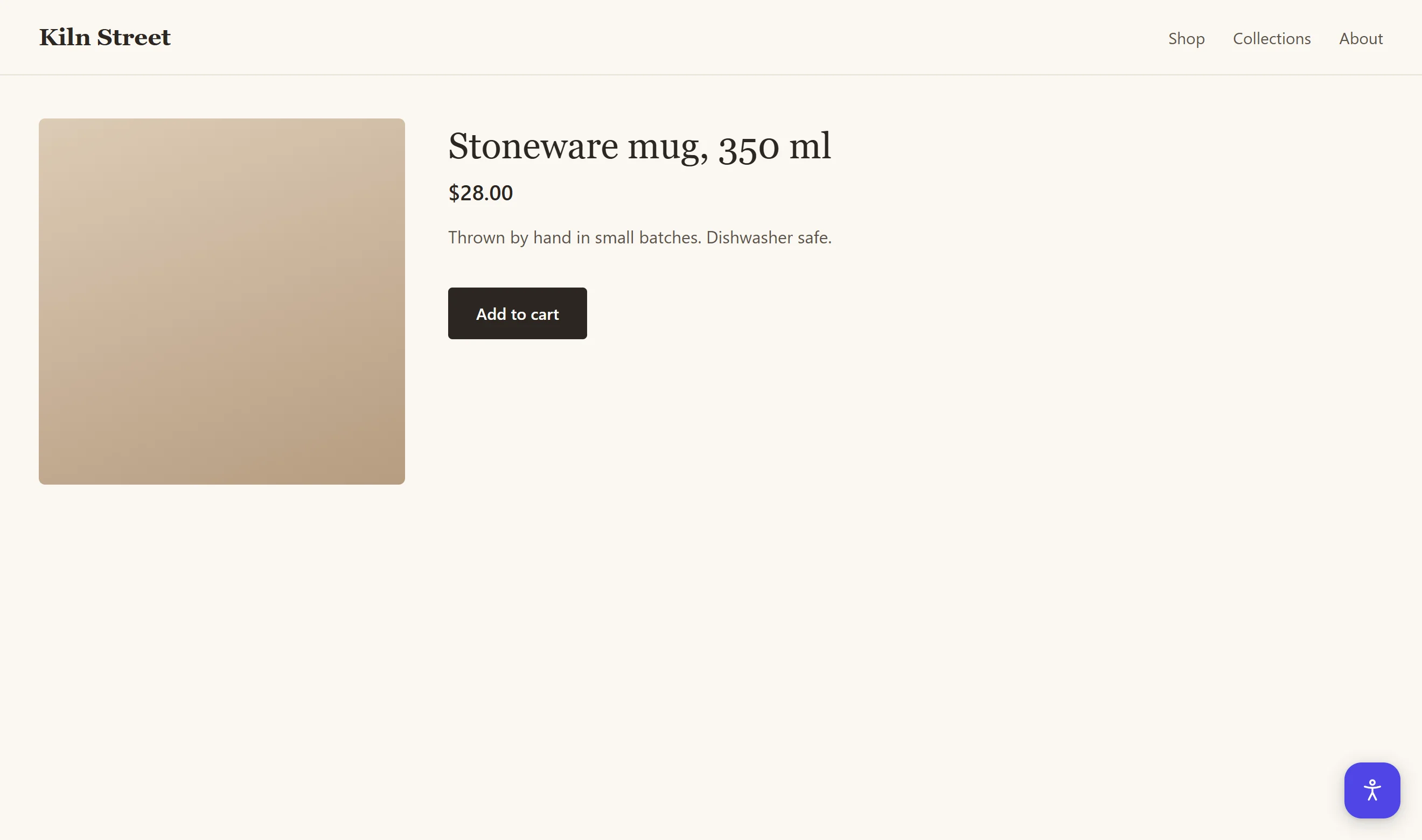
The same widget runs here, bottom right, or press Alt+A.
Enter your store address. We scan the homepage against WCAG 2.2 and show the score and top findings in about 30 seconds. No install, no account.
Automated checks on one page. Checkout, keyboard journeys and barriers that need human testing are outside this result. This score is not a compliance certificate.
A public address, such as your-store.com. No Shopify login needed.
An overlay changes the page in the browser without correcting the theme source. Screen readers use the accessibility information exposed by the browser, so these changes can affect their experience too. Fixing the source and testing the result remains necessary.
| AccessifyAI | Overlay app | Manual audit | |
|---|---|---|---|
| Where the fix ends up | Your theme code | A script in the visitor’s browser | Your theme code |
| Who makes the change | You, with the file named and opened | The script, on every page load | A developer or an agency |
| First result | About 30 seconds for the homepage | Right after install | Usually days or weeks |
The European Accessibility Act applies from 28 June 2025. AccessifyAI helps you find and fix accessibility issues. It is not a legal guarantee.
Start free. Paid plans come with a 7-day trial and are billed in USD through Shopify.
$0
A first look at your store.
Install free$4.99/ month
Small stores fixing issues week by week.
Start 7-day trial$14.99/ month
Larger catalogues and daily checks.
Start 7-day trialCancel any time in your Shopify admin. EU consumers keep their 14-day right of withdrawal.
Short answers. Anything else goes to hello@ensomedia.dev.
No. The scanner finds issues in your theme and shows where to fix them in the code. The app also includes an optional shopper widget with contrast, text size and reading profiles, which you can switch off at any time. The widget helps visitors. It does not replace the fixes.
No. The app does not ask for permission to write to your theme. For supported theme issues it suggests a Liquid file, labels its confidence and links to the Shopify code editor. You review and apply the change. AI alt text works the same way: on Basic and Pro it is a draft you read and edit, and it reaches your products only when you apply it. The previous text is kept. On Pro the AI looks at each product photo; on Basic it drafts from the product text and the image file name.
WCAG 2.2 at levels A and AA, which includes the WCAG 2.1 AA criteria that EN 301 549 uses for the European Accessibility Act. Every finding names its criterion. The scan tests 15 of the 55 WCAG 2.2 A and AA success criteria, several of them only in part, and the dashboard lists which ones. The rest needs a person, for example whether an alt text says why an image is there, so an automated scan is where the work starts, not a full audit.
No. It helps you find and fix accessibility issues. No automated tool can promise compliance, and we do not claim it.
Cancel in your Shopify admin during the 7-day trial and you are not charged. EU consumers also keep the 14-day right of withdrawal.
No. The scanner reads the public pages of your storefront, and the app does not ask for access to customers or orders. Your scan history is deleted after you uninstall, within 30 days.
The scanner reads public storefront pages, including those built with Dawn, paid themes and custom themes. Password protection or restricted pages can limit a scan. On heavily customised themes the app marks a file suggestion as a best guess when it is not sure.
The app and the shopper widget are available in English, German, Polish and French.
See your score and the first issues before you install anything.